
Features & Success Stories
Software Update Roundup: July - August 2019
Croptracker is always growing: let's take a look at some of our new features this month.
Software Update Roundup: June - July 2019
Croptracker is always growing: let's take a look at some of our new features this month.
Software Update Roundup: March - April 2020
Croptracker is always growing: let's take a look at some of our new features this month.
Software Update Roundup: May - June 2019
Croptracker is always growing: let's take a look at some of our new features this month.
Software Update Roundup: November - December 2019
Croptracker is always growing: let's take a look at some of our new features this month.
Software Update Roundup: October - November 2019
Croptracker is always growing: let's take a look at some of our new features this month.
Software Update Roundup: September - October 2019
Croptracker is always growing: let's take a look at some of our new features this month.
Software Updates - Fall / Winter 2024/2025 Round-Up
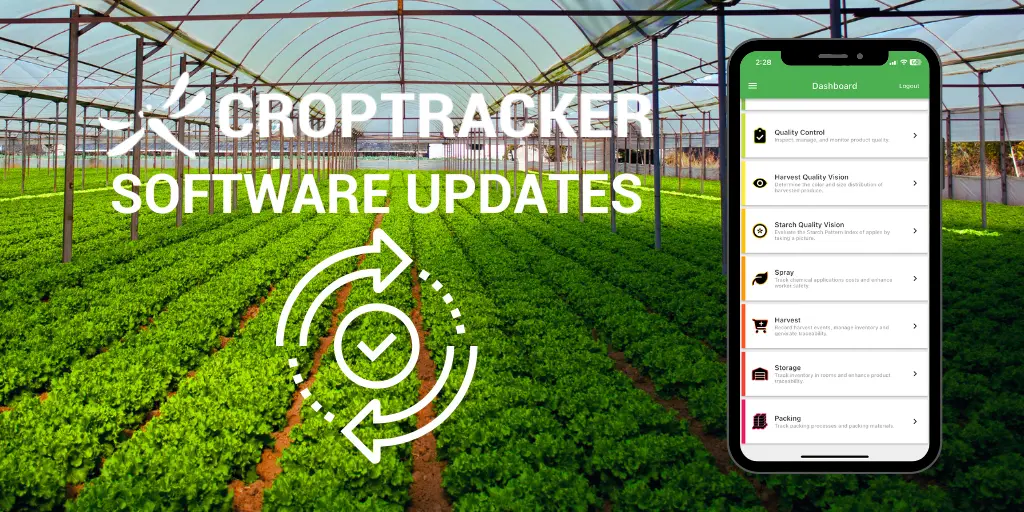
As we can start to see spring and the new growing season come through in the northern hemisphere, the Croptracker team is looking back at the software updates we made this fall and winter and planning for new advancements coming later in 2025. Read on below to learn about some of the new features to try out in your Croptracker account. Get in touch with support@croptacker.comto learn more.
Software Updates - Spring 2024
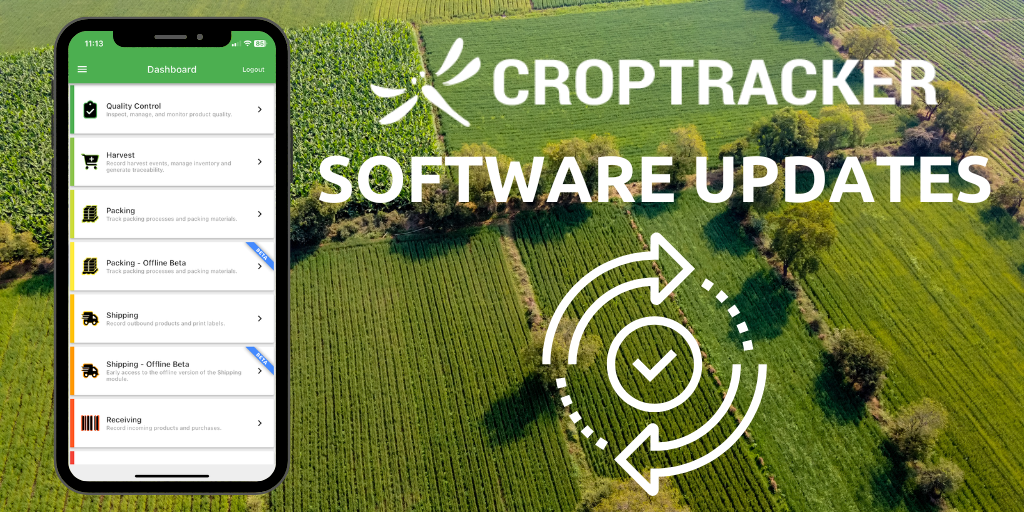
Here at Croptracker, we are constantly innovating and improving our products. This article is a round-up of some of the useful tools and features that were made or improved recently. For current Croptracker customers, please remember to update your app (Android and iOS) to access new software upgrades. If there is anything that fits your needs on this list, feel free to book a demo with us to learn more.
Software Updates - Spring 2025 Round Up
Heading into the summer months, Croptracker is releasing a round up of our spring Software Updates. Below we have outlined the changes and improvements affecting our users since March 2025.
Software Updates - Summer Round Up 2024
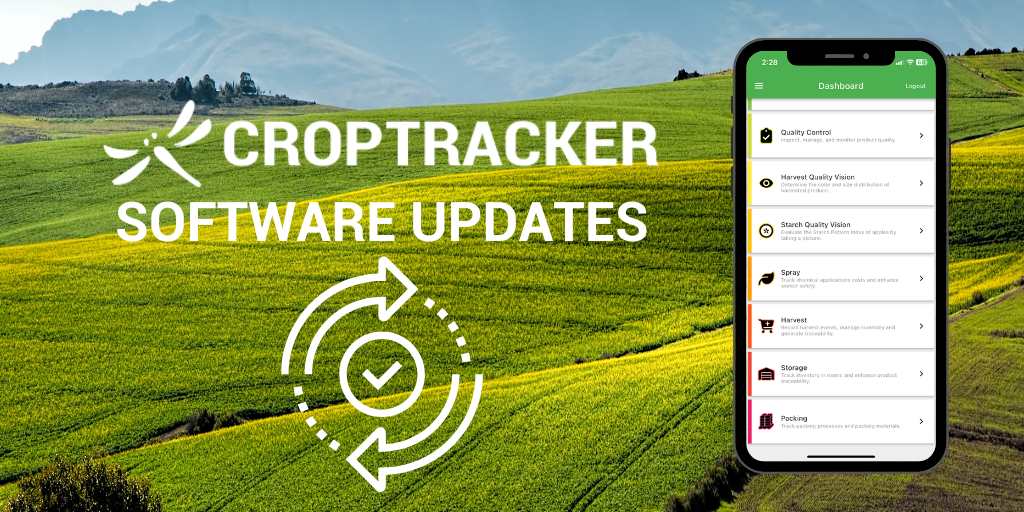
This summer at Croptracker, our dev team has been hard at work implementing new features to help our customers get more value from their Croptracker accounts. This article is a round-up of some of the features launched in June, July, and August with a bit of a look ahead at the features coming this fall. For current Croptracker customers, please remember to update your app (Android and iOS) to access new software upgrades. If there is anything that you would like to learn more about for your workflow, feel free to email support@croptracker.com with questions or book a demo with us to learn more.
Starting a New Season with Croptracker
Despite what many of our forecasts would have us think, spring is around the corner for those of us in the Northern hemisphere! In today's blog post, we're going to go over some housekeeping procedures related to starting a new growth cycle with Croptracker. This process is quite like spring cleaning - it's all about making sure you've got a blank state and a fresh start for the new season.
Streamline quality data tracking with Croptracker’s new QC module
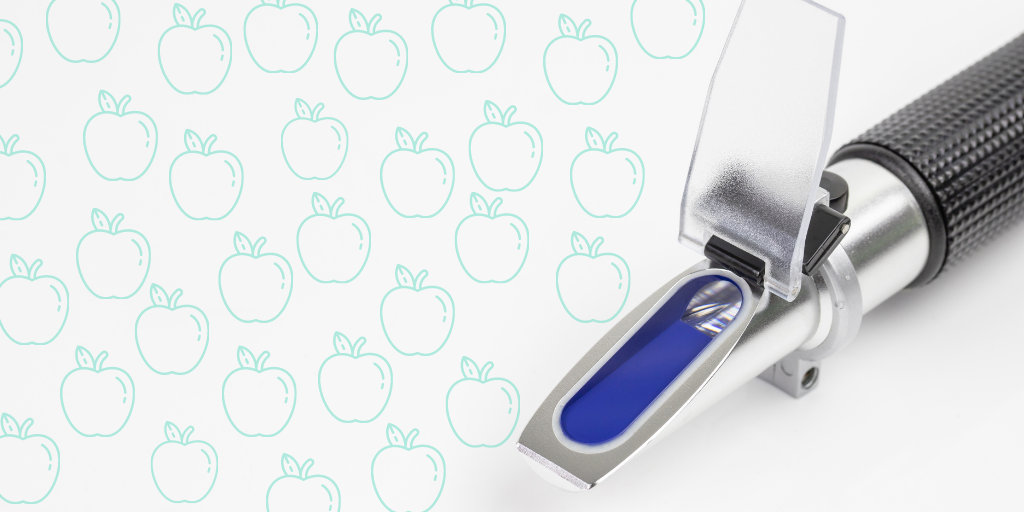
Leading a third, fourth, fifth generation family farm? There’s a lot to be proud of when carrying on the family business: decades of growing knowledge, with the tried and true practices passed along from earlier generations, can warm the heart with tradition and spell success for harvest season. But there may be some old routines worth letting go of – say, like manual data entry from clipboards – in favor of more robust digital tracking solutions like Croptracker’s Quality Control (QC) module.
We've Got a New Look!
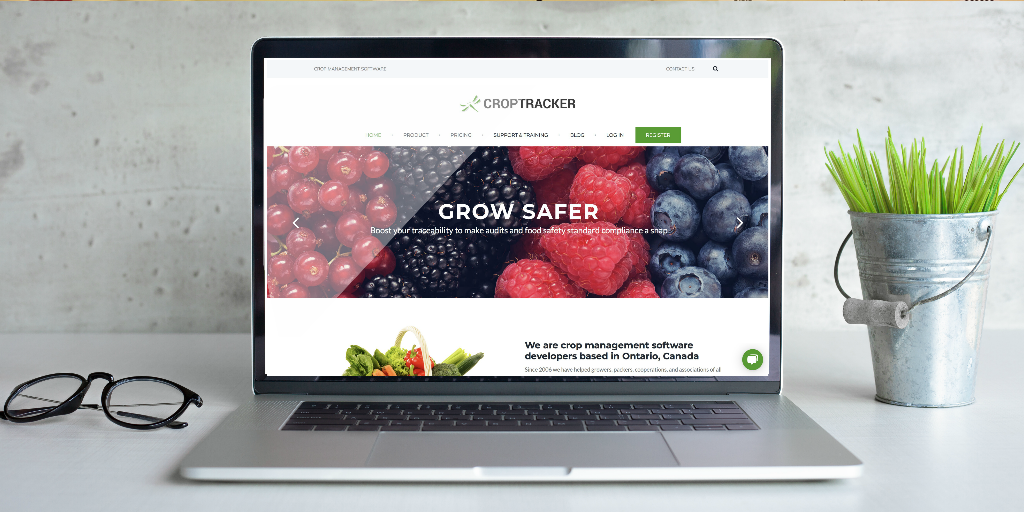
Croptracker.com's had a makeover, just in time for the new
season. We hope the new site experience is more clear,
helpful, and enjoyable than ever. If you have any
questions (or spot any bugs!), please write us at
support@croptracker.com or click the  in the bottom right of the page to live-chat with a
Croptracker Expert.
in the bottom right of the page to live-chat with a
Croptracker Expert.
Request your free private demo now!
Let our expert staff walk you through the Croptracker system, and answer any questions you have.
We are here to help.