
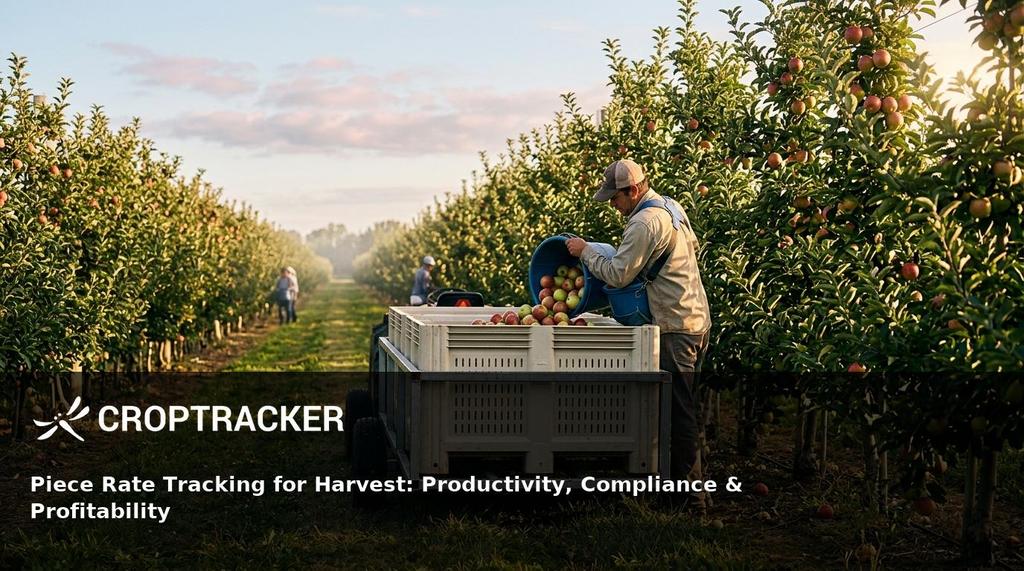
Harvest is likely the single largest expense on your farm. Labor accounts for roughly 40 to 42 percent of production expenses for specialty crops, according to the 2022 Census of Agriculture and USDA ERS data, depending on your crop and region. When that kind of money is riding on every bucket, every bin, and every bushel, you need a clear line of sight into what each picker is doing and what it costs.
What is Piece-rate Tracking? Piece-rate tracking is the practice of recording each worker's individual harvest output — by bucket, by bin, by pound, by case — so you can calculate accurate pay, monitor productivity, and connect that labor cost directly to block-level profitability.
May is the pre-harvest planning window. Your full seasonal workforce hasn't arrived yet. Your field map still has time to be corrected. This is precisely the moment to set up your piece-rate structure in Croptracker, so when the first crew shows up with a full bucket, you already know who picked it, what block it came from, and exactly how much it cost.
Croptracker connects individual picker performance to inventory traceability to profitability — in one platform, on one mobile app, from field to office.
What Is Piece Rate Tracking and Why Does It Matter at Harvest?
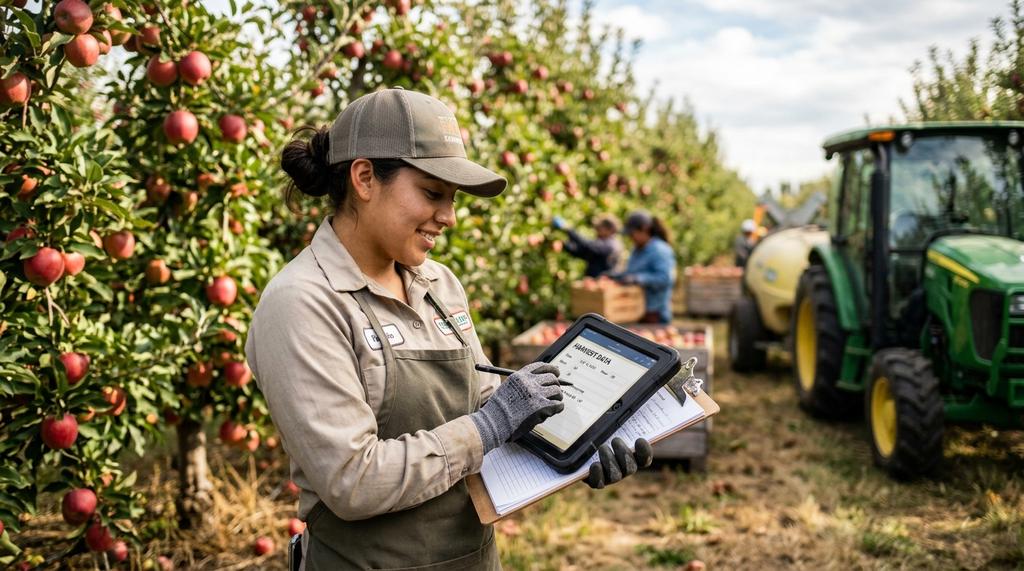
Piece-rate tracking is the systematic recording of each harvest worker's individual output against a defined unit of measure — a bucket, a bin, a tote, a basket, pounds, or cases. It exists alongside piece-rate pay, the compensation structure where workers are paid per unit rather than by the hour, but the practice of tracking is valuable regardless of how you choose to pay.
Without individual output tracking:
- You can't calculate fair pay under piece-rate
- You can't identify which pickers are producing quality fruit and which are damaging it
- You can't assign labor costs to the specific blocks where that work happened
- And you can't spot the productivity trends that let you plan better for next season.
Piece-rate tracking is used everywhere across specialty crop agriculture — orchards, berry operations, vegetable farms, and in-field packing houses. The unit of measure changes to match your crop, but the principle stays the same: capture the individual, connect it to the location, use it to protect your margins.
Most growers use piece-rate to incentivize their seasonal workforce during harvest. As we discuss in our guide on whether to pay piece rate, the incentives are compelling — motivated pickers, measurable productivity, and easier cost-per-unit calculations. But none of that works if your data is sitting on scrap paper at the end of the day.
Set up your piece-rate rates and activities before harvest begins. Give your crew supervisors the tools to tally as they work. Your office team will thank you come payroll time.
Setting Up Piece Rate Pay in Croptracker Before the Season Starts
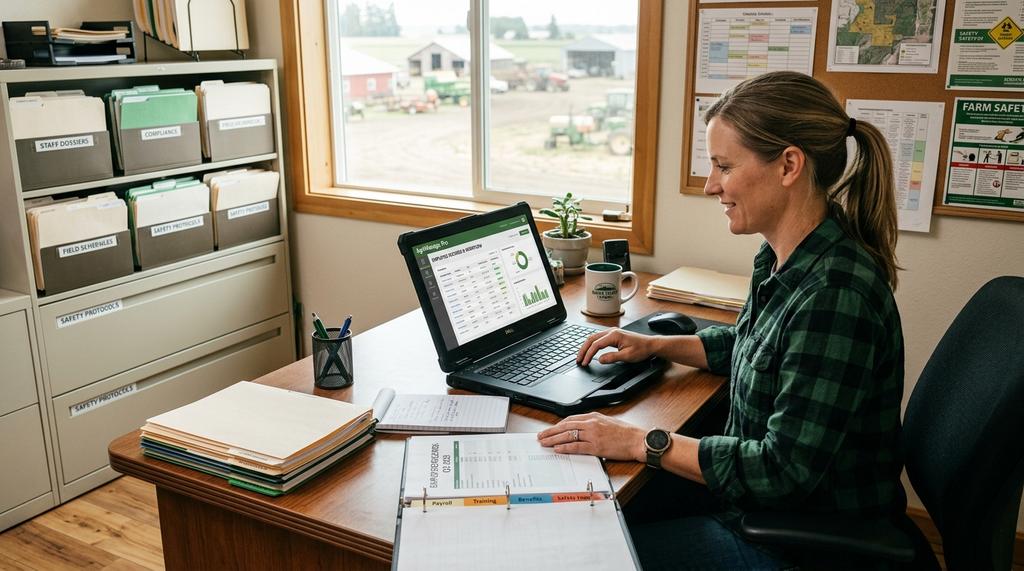
The difference between a smooth harvest and a payroll nightmare is usually how much time you spent setting things up beforehand. Here is exactly how to configure piece-rate tracking in Croptracker so it works when the pressure is on.
Step 1 — Add Employees and Assign Pay Rates Start in Punch Clock Admin, where you'll add each seasonal worker to the system. Assign base hourly rates to establish the wage floor — this matters for minimum wage compliance and any hourly tasks pickers might perform. Then configure your piece-rate amounts per harvest unit type.
You can assign different piece rates to different employees, different crews, or different varieties. A Honeycrisp picker might earn more per bucket than a Gala picker, because the fruit demands more care. Croptracker lets you model that difference directly in the setup.
Step 2 — Define Your Harvest Units and Activities Decide what you're measuring. Common harvest units include buckets, bins, totes, baskets, pounds, and cases. Map your piece rates to harvest items and to Production Practice activities.
In Croptracker, piece-rate harvesting is recorded using an activity called Piece-Meal Harvest — but you can customize your activity list to match your operation. Set different piece rates for different varieties or blocks if your payout structure varies. This is also where you define whether your pickers are paid by the bucket, the bin, or the pound.
Step 3 — Set Up Work Crews Create work crews in Punch Clock Admin and assign a crew leader to each one. The crew leader carries the Croptracker mobile app into the field and performs bucket tallying, badge scanning, and work receipt printing. Having crew-level structure gives you aggregated productivity data that helps you spot which crews are pulling ahead and which ones need attention.
Step 4 — Configure Your Block Map Your field map is the foundation for connecting piece-rate labor costs to profitability at the block level. Make sure it's structured with Farms, Blocks, and Rows. When crew leaders select a location and log Piece-Meal Harvest activity there, Croptracker automatically attributes the piece-rate costs to that block. This feeds directly into your Total Farm Cost Report and supports true break-even analysis per block, per variety.
For a deeper walkthrough of block-level cost analysis, see our article on block-level cost analysis with Croptracker.
The Bucket-to-Bin Workflow: Tracking Individuals Without Slowing Down Harvest
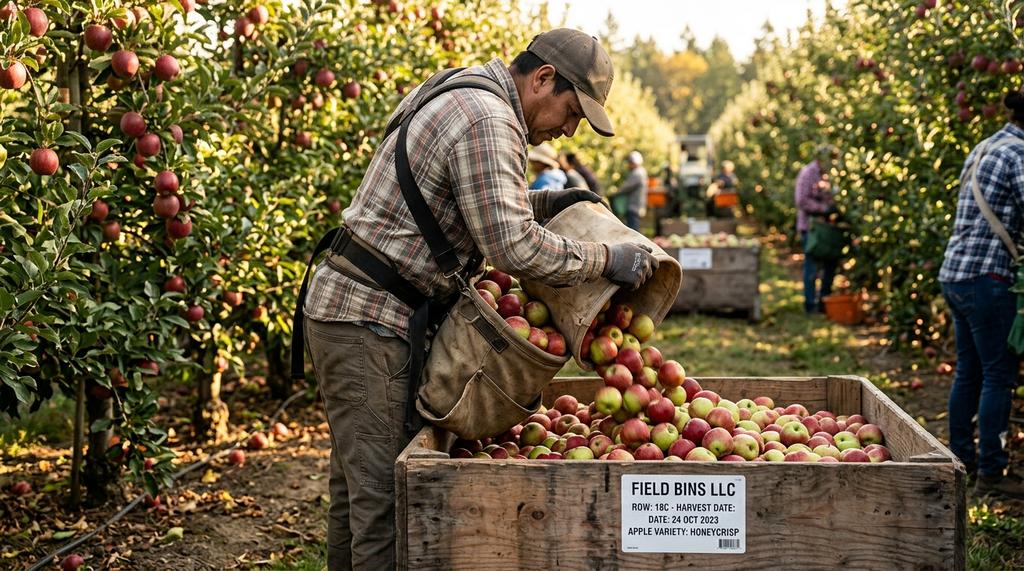
Here's the problem every grower who uses piece rate faces eventually: your pickers work with small individual buckets, but your inventory moves in large shared bins. When six workers dump their buckets into one massive bin, who picked what?
Without a system, you lose individual attribution. You can't pay piece rate accurately. You can't trace quality issues to the picker. You lose the incentive that makes piece rate work in the first place.
Croptracker was built to solve this exact problem.
The Shared-Container Problem
When multiple workers contribute to a single large bin, their individual contributions merge. There is no way to accurately attribute a specific quantity of produce to a specific worker.
The consequences are real. You can't calculate fair piece-rate pay. You can't trace bruised or under-colored fruit back to the picker who caused it. High performers see their output diluted alongside slower pickers, and the incentive to push hard disappears. In specialty crop operations — especially delicate crops like berries — these problems compound quickly. We explore these challenges in depth for berry harvesting.
Operations that rely on paper tallies or mental notes end up with disputes, payroll errors, and lost productivity data.
How Croptracker Solves the Problem
Croptracker separates the individual tallying from the inventory record, then links them together digitally. Here's how it works in the field:
Each picker carries their own bucket throughout the day. When they reach the dump station, a supervisor tallies the individual bucket count in real-time using the Croptracker mobile app on a phone or tablet. In some operations, workers self-tally on a mounted tablet at the station — tap-to-count is fast and accurate.
At the end of the shift, the supervisor switches to a Harvest event and creates digital inventory records for the large bins. Bin labels with scannable codes can be applied on-site.
The result: individual piece-rate data is captured for accurate payroll and productivity tracking, and large-bin inventory is simultaneously recorded for full traceability through shipping, storage, and packing. You get granular labor data and actionable inventory records without slowing the harvest line.
For a complete walkthrough of this workflow, see our bucket and bin tracking use case.
Real-Time Visibility for Your Office Team
This is where the admin side starts paying for itself. As bucket tallies come in from the field, admin users in the office see live progress on the Croptracker dashboard. Work receipts — showing individual buckets attributed to each picker plus total hours worked — can be printed from the mobile app at the end of every shift.
The Piecemeal Pay Report, Daily Piecework Report, and Daily Timesheet Report all generate from the data your crews are already capturing. No double-entry. No spreadsheet cleanup.
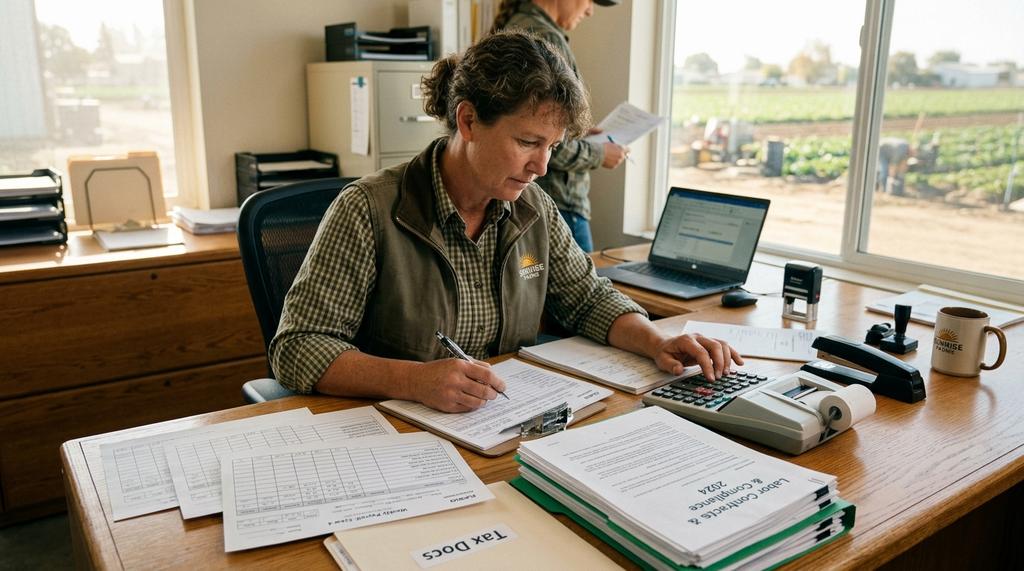
Ensuring Legal Compliance: Minimum Wage, Overtime, and Regional Rules
Piece rate is not a free pass from minimum wage and overtime law. In fact, piece-rate pay introduces additional compliance requirements that hourly pay does not. Getting this wrong can cost you in penalties, disputes, and worker turnover.
Minimum Wage Compliance on Piece Rate
The law is clear: a piece-rate worker's earnings must not fall below the local minimum wage when converted to an hourly equivalent. The calculation is straightforward — divide the worker's total piece-rate compensation by the total hours worked. If the result is below minimum wage, you owe the difference.
Say a picker earns $480 over a 40-hour week at piece rate. That's $12 per hour. If the local minimum wage is $15, you pay a $3 per hour top-up across all 40 hours. The worker receives $600.
Croptracker automatically calculates minimum wage top-up amounts in your pay reports. The system calculates and reports these figures — it does not process payments. The top-up data feeds directly into your payroll system or accounting software, so you have everything you need for compliance without managing payroll inside Croptracker.
Overtime on Piece Rate
Under the federal Fair Labor Standards Act (FLSA) Section 13(a)(6), agricultural workers are generally exempt from federal overtime requirements. However, several states — including California, Washington, Oregon, and others — mandate overtime pay for agricultural workers who exceed state-defined thresholds.
Where state overtime applies to piece-rate workers, here's how the calculation works correctly:
A picker works 50 hours in a week and earns $750 total in piece-rate compensation. That's an average of $15 per hour. Their $750 piece-rate already covers straight-time for all 50 hours. You owe a half-time premium ($7.50) for the 10 overtime hours. The overtime premium is $75, making total pay $825.
Croptracker's Daily Timesheet Report tracks weekly hours per employee and totals them for one-click overtime calculation. No manual math. No guesswork.
Regional Variations
Laws around piece rate differ by jurisdiction, and ignoring those differences is a fast way to create liabilities.
In California, employers must compensate workers for rest and recovery time at hourly rates — not piece-rate. The required rest break is 10 minutes per four hours of work. Compensation must equal the higher of the average hourly rate or the local minimum wage. This is known as rest/recovery period compensation under California Labor Code §226.2 (AB 1513). In some operations, this mandatory hourly compensation makes piece-rate less advantageous than a flat hourly wage.
In Washington State, the Supreme Court has ruled that incidental tasks — unloading equipment at day's end, traveling between fields, gathering supplies — must be tracked separately and compensated by the hour, even for piece-rate workers. This precedent was established in Carranza v. Dovex Fruit Co. and Lopez Demetrio v. Sakuma Brothers Farms (2018).
Croptracker supports hybrid tracking to handle these scenarios. Track piece-rate for productive harvesting time and hourly pay for downtime, rest breaks, and incidental tasks. Switch between them on the mobile app.
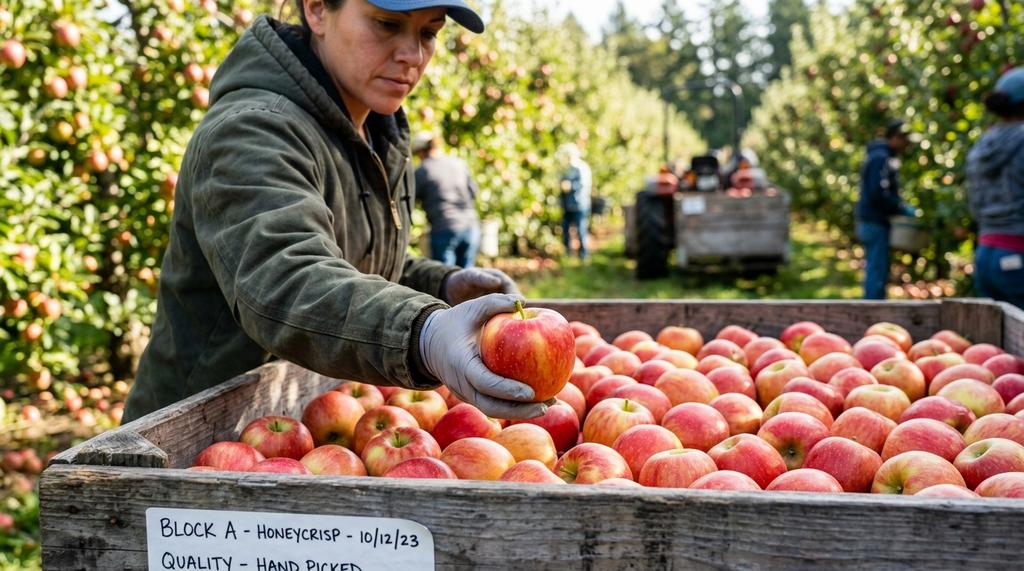
Balancing Productivity and Quality: The Piece Rate Tradeoff
There is a reason every grower who has used piece rate has told you the same story: it makes your pickers faster, and sometimes too fast.
How Piece Rate Incentives Can Compromise Quality
Piece-rate naturally rewards speed. That incentive works in your favor — until it doesn't. When pickers push for more buckets per hour, the fruit pays the price.
Bruised fruit goes undetected until the bin reaches the packhouse. Under-colored fruit slips in because pickers aren't taking the time to inspect. Stem punctures happen when a quick tug replaces the recommended twist. Tree damage occurs when rough handling strips branch ends that would have flowered next year.
These defects cascade. Your pack-out rate drops. Processing costs rise. Wholesale prices fall. In high-value specialty crops like Honeycrisp — where the difference between fresh retail and processing can be more than $1 per pound — a few bruised apples per bin can erase your entire margin.
We cover this trade-off in detail in our article on picker defect monitoring, including how pack-out rates, grower returns, and cost of production intersect to make quality the defining factor in profitability.
Using Quality Control + Piece Rate Data to Protect Profit
The solution is not to abandon piece rate. It's to pair it with quality monitoring so you have both sides of the equation.
Croptracker's Quality Control module enables bin-level inspections linked to specific pickers and harvest events. Build custom inspection templates for each variety. Crew leaders can conduct representative sampling as bins fill and catch issues before they spread through the block.
Harvest Quality Vision™ — built into the Croptracker mobile app — uses computer vision to scan bins for fruit size and color distribution. No manual calipers. No subjective color cards. Instant data you can use to course-correct in the field.
Picker defect data from prior seasons feeds directly into your crew assignments. You know which workers consistently deliver clean buckets. Put them on your highest-value blocks. Use their performance as a benchmark for new hires.
Real-time monitoring of productivity trends also surfaces picker fatigue — a primary driver of fruit damage. By tracking how output changes throughout a shift, you can rotate crews before quality breaks down.
Combined, piece-rate data and quality monitoring create a balanced feedback loop. You keep the productivity incentive. You protect the quality that makes piece rate profitable.
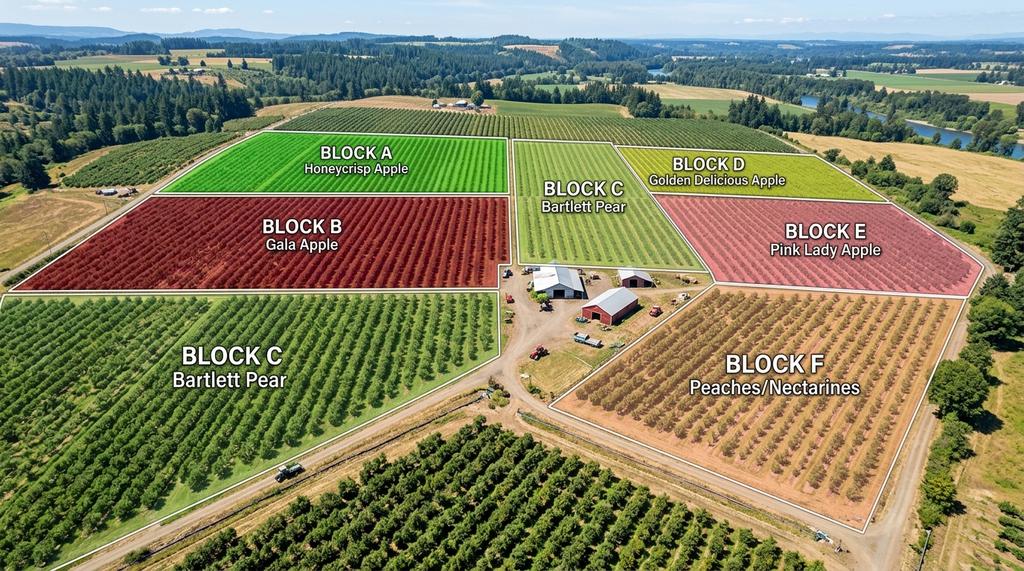
From Piece Rate Data to Block-Level Profitability
Whole-farm averages are comforting. They're also useless for making decisions.
Why Whole-Farm Averages Hide Your Revenue Killers
You could be showing 10 percent profit across the farm and still have a block losing 20 percent, subsidized by another making 30 percent. The average is correct. The decision is wrong.
Block-level metrics move you out of generalities and into actionable precision. They let you pinpoint exactly where you're losing money and where your return on investment is highest. Whether that leads to replanting, changing varieties, adjusting labor deployment, or simply harvesting a different block first — you decide with evidence, not gut feeling.
How Piece Rate Costs Feed Into Block-Level Cost Analysis
Because Croptracker links piece-rate labor costs to the specific block where the work happened, you get granular cost attribution that whole-farm spreadsheets simply cannot produce.
The Total Farm Cost Report combines worklog costs, equipment run time costs, and piece-rate costs by block. Every hour of labor, every minute of sprayer time, every bucket of piece-rate harvest — all organized by location and ready for comparison.
This is managerial accounting for your farm. Croptracker is not an accounting compliance tool or a substitute for your bookkeeper. It excels at combining and calculating field data so you can feed it cleanly into your accounting system.
What Croptracker gives you is the granularity to make decisions your bookkeeper cannot — like which block to harvest first, which variety is no longer profitable, and how much your piece-rate structure is actually costing you per unit.
Meeting Lender, Investor, and Certification Requirements
Lenders and investors are moving toward enterprise-level reporting and accrual-based cost analysis. Block-level labor and production data demonstrates the kind of operational control that supports loan applications and growth capital requests.
For specialty crops with strict market requirements — organic, export-grade, GAP-certified — detailed block-level records provide the documentation needed to command premium pricing and satisfy certification auditors. Your piece-rate records become part of a traceable supply chain that follows each bin from the picker to the customer.
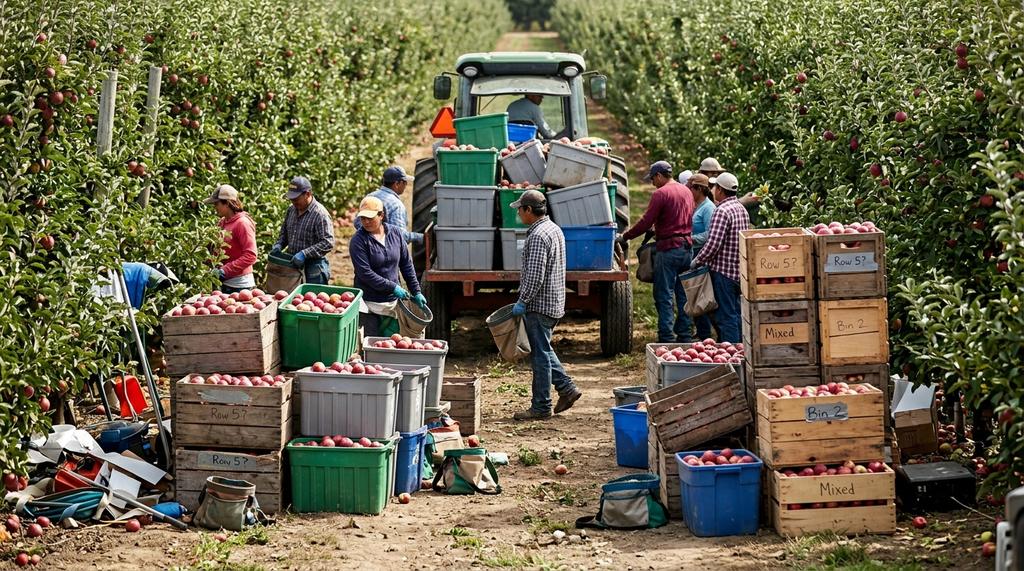
Common Mistakes to Avoid When Implementing Piece Rate Tracking
We've seen growers implement piece rate and get all the benefits. We've also seen them stumble because of preventable setup mistakes. Here are the ones we see most often:
-
Setting piece rates without benchmarking actual field conditions. Don't pull rates out of last season's memory or your neighbor's operation. Walk the blocks. Time the pickers. Set rates that reward good performance without tempting poor technique.
-
Using piece rate for hazardous tasks where speed incentives are dangerous. Piece rate works beautifully for repetitive, well-understood harvest tasks. It belongs on tasks where speed does not create safety risks for the worker or the crop.
-
Waiting until harvest to set up. Add your employees, define your activities, configure your block map, and test the workflow — all before crews arrive. An afternoon of setup eliminates weeks of rework.
-
Not accounting for regional legal requirements. California rest-time rules, Washington State incidental task compensation, SAWP administrative requirements — if your region has specific labor rules, build them into your tracking from the start.
-
Overlooking the quality-speed tradeoff. Piece rate without quality monitoring is a recipe for lower pack-out rates and higher cull. Pair your piece-rate data with bin-level inspections and Harvest Quality Vision™ from day one.
-
Relying on paper or spreadsheets. Paper tallies disappear. Spreadsheets break. Disputes arise. Digital tracking in the field captures the data in real-time, prevents errors, and makes payroll administration actually manageable.
Frequently Asked Questions
How do I calculate a minimum wage top-up for piece-rate workers? Divide the worker's total piece-rate earnings by the total hours worked during the pay period. If the result falls below your jurisdiction's minimum wage, pay the difference across all hours worked in that period. For example: $480 in piece-rate earnings over 40 hours equals $12 per hour. If minimum wage is $15, the top-up is $3 × 40 = $120, for a total of $600.
Do agricultural workers get overtime under federal law? The federal FLSA generally exempts agricultural workers from overtime requirements under Section 13(a)(6). However, several states including California, Washington, Oregon, Hawaii, Minnesota, and Alaska have mandatory overtime rules for agricultural workers. Check your state labor department for applicable thresholds and rates.
How do California rest/recovery period rules affect piece-rate pay? Under California Labor Code §226.2 (AB 1513), piece-rate workers must be compensated separately for rest and recovery periods at the higher of their average hourly rate or the state minimum wage. A 10-minute rest break is required for every four hours worked. This hourly-compensated time is additional to piece-rate earnings and can make piece-rate less advantageous than hourly pay in some California operations.
What are "incidental tasks" under Washington State law? The Washington State Supreme Court ruled in 2018 that tasks not directly related to picking fruit — such as unloading equipment, traveling between fields, and gathering supplies — must be tracked separately and paid at hourly rates, even for workers otherwise on piece-rate pay.
Ready to Simplify Your Harvest Payroll?
Piece-rate tracking delivers three outcomes that matter when the harvest clock is running:
Accurate payroll. Individual bucket counts, automated minimum wage calculations, one-click overtime tracking — all captured in the field and ready for your payroll system.
Legal compliance. Regional rules for rest time, incidental tasks, and minimum wage top-ups are built into the workflow, not bolted on at the end of the season.
Block-level cost visibility. Every hour of piece-rate labor is attributed to the specific block where it happened, feeding your cost analysis and giving you the data you need to protect your margins.
Croptracker connects picker performance to inventory traceability to profitability in one platform. Set it up before the season starts. Let your crews work in the field without interruption. Let your office team see real-time progress and generate reports in minutes.
Book a private demo to see the full bucket-to-bin workflow in action.
Need a walkthrough before the demo? Explore the Croptracker Knowledge Base tutorials for step-by-step guidance on setting up piece rates, work crews, and harvest events.
References
-
USDA ERS, "Farm Labor" — Data on average annual wages and salaries as a share of crop production expenses by commodity group, sourced from the Census of Agriculture. https://www.ers.usda.gov/topics/farm-economy/farm-labor/
-
California Labor Code §226.2 (AB 1513) — Rest and recovery period compensation requirements for piece-rate workers. Mandates hourly-rate compensation for rest periods at the higher of the average hourly rate or minimum wage.
-
Carranza v. Dovex Fruit Co. / Lopez Demetrio v. Sakuma Brothers Farms (2018) — Washington State Supreme Court ruling requiring employers to provide and separately track time for incidental tasks performed by piece-rate agricultural workers.
-
FLSA Fact Sheet #12 — Piece Rate Pay — U.S. Department of Labor guidance on minimum wage compliance, overtime calculations, and the agricultural exemption under Section 13(a)(6) of the Fair Labor Standards Act. https://www.dol.gov/agencies/whd/fact-sheets/12-minimum-wage-protection
-
Croptracker Resource: Piece Rate Calculator — Interactive tool for calculating piece-rate pay, minimum wage top-ups, and overtime premiums for harvest workers. /resources/piece-rate-calculation.html