
While whole-farm metrics are necessary for tax season, they often act as a cover, hiding your revenue killers behind your most profitable blocks. The core value of block-level metrics is granularity. It moves you away from generalities and allows you to pinpoint exactly where you are losing money and where your ROI is highest.
Moving from high-level oversight to actionable precision requires a shift in how you capture daily farm data. To help you implement these practices, this article provides a roadmap for tracking the biggest expenses: labor, inputs, and water. We will walk through the essential setup requirements in Croptracker, from block mapping to chemical inventory, and explore the specific workflows and reports that transform raw field data into a clear picture of your true break-even price.
Managerial vs. compliance accounting
It is helpful to understand the different roles data plays on your farm. Croptracker is not an accounting compliance tool or a substitute for your bookkeeper. Instead, our goal is to aid in managerial accounting practices.
Croptracker shines in comparative and relative cost analysis by providing the granular insights you need to make decisions your bookkeeper cannot, such as how to manage, optimize, or pivot specific sections of your farm. Croptracker is not an accounting platform, but we excel at combining and calculating your field data for seamless entry into accounting systems.
Finding your true break-even
Knowing the true cost of production per harvested unit is the baseline for profitability, but this insight requires tracking costs at both the variety and location levels. Block-level accounting answers the most critical questions in agribusiness: What is your actual break-even or profit-making price? Are you achieving it? Have you ever?
At the recent USApple Harvest Wrap Up event, Chris Gerlach, VP of Insights and Analytics, reinforced this priority stating, “Block-level accounting and cost management will be critical moving forward.”
Relying on industry standards and averages is insufficient for making informed decisions about which varieties to grow. Your specific growing conditions, micro-climates, and local market dynamics impact ROI in ways an average cannot capture. Without your own detailed data, it is impossible to accurately assess the potential return on investment for your specific acreage.
Where is the subsidized block?
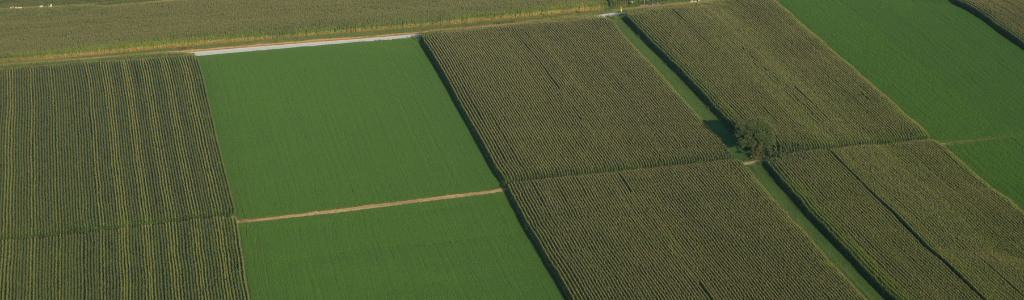
In whole-farm accounting, a highly profitable block of young, high-yielding trees can easily subsidize an old, disease-prone, or inefficient block. You might see a 10% profit overall, unaware that Block A is yielding 30% while Block B is losing 20%.
With block level cost analysis, you can make confident, data-driven decisions on how to manage your blocks including production changes, replanting, removing a failing variety, or converting a block to a more profitable use.
Block level costing and precision agriculture
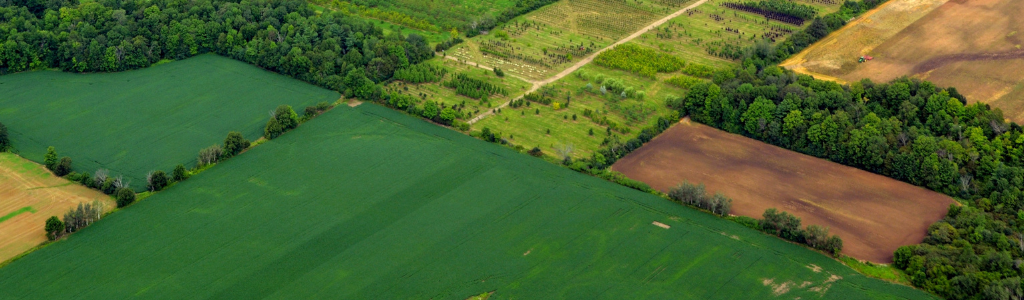
Per-block tracking is an important pillar of precision agriculture, which promotes individualized growing practices based on location and variety-specific data. Because soil quality and water needs vary even within the same field, a one-size-fits-all approach leads to waste. By tracking water, fertilizer, and labor per block, growers can:
-
Detect anomalies faster:
A spike in chemical or labor costs in a specific block acts as an early warning for pest outbreaks or irrigation failures, allowing you to isolate the issue before it spreads. -
Track treatment effectiveness:
By monitoring for cost reductions after a solution is implemented, you can verify the success of your interventions.
Compliance, market and investment access
For specialty crops with strict market requirements (such as organic or export-grade), block-level records provide the necessary documentation to command premium pricing.
Furthermore, lenders and investors are increasingly moving toward accrual-based or enterprise-level reporting. Detailed block level data demonstrates that a grower has a high degree of control over their production, providing the transparent evidence needed when seeking loans or expansion capital or to satisfy certification auditors.
Tracking “the big 3” per block expenses with Croptracker
To maximize profitability, Croptracker focuses on drilling down into the three largest expenses in specialty crop production: labor, inputs and water use. Labor is the largest and often most variable expense on the farm. Inputs include all the materials used in a season to support growing, like fertilizers and pest/disease treatments and the costs of equipment to perform these tasks. Water use tracking is always important for permitting and compliance reporting, and is increasingly vital in areas with fresh water scarcity. This next section will go over the Croptracker steps to track these expenses.
Costing set up
This section will go over the information you need to load into Croptracker to start accurately tracking costs day to day. If you have any questions about setting up the following features in Croptracker, get in touch with support@croptracker.com.
Block mapping
In order for cost track at the block level, these need to be blocks in your account. Using the Field Map module, included in all Croptracker accounts, set up your growing areas down to the lowest level at which you want to track costs. Croptracker has three levels of growing area mapping: Farm/Block/Row. Users will consult with Croptracker support staff during onboarding on the right map set up to best track costs and enable traceability.
Adding equipment run time
Any equipment you use on your farm that has a run time cost associated with it should be added before you start. The equipment screen is also where you will add your sprayer and irrigation pump details, including things like tank size and run time costs. When you select equipment to use in events and work logs, the run time costs will be calculated for reporting.
Employee, payroll and piece rates costs
This set up step is really several, but all involve establishing what your labor will cost in the Punch Clock module. Adding employees, making and assigning them hourly pay rates and setting up any piece rates you use will enable labor tracking workflows and cost reporting. Piece rates can be set up for harvest units and for various production practice activities like pruning or packing.
Activity list refining
For true cost analysis, Croptracker encourages users to identify the labor time association with specific actions. This allows you to drill down to find out exactly how much mowing or pruning cost you in a specific area vs. another. In Croptracker you can create or disable the list of selectable activities to help costs get attributed to the correct action line item when assessing costs.
Chemical inventory
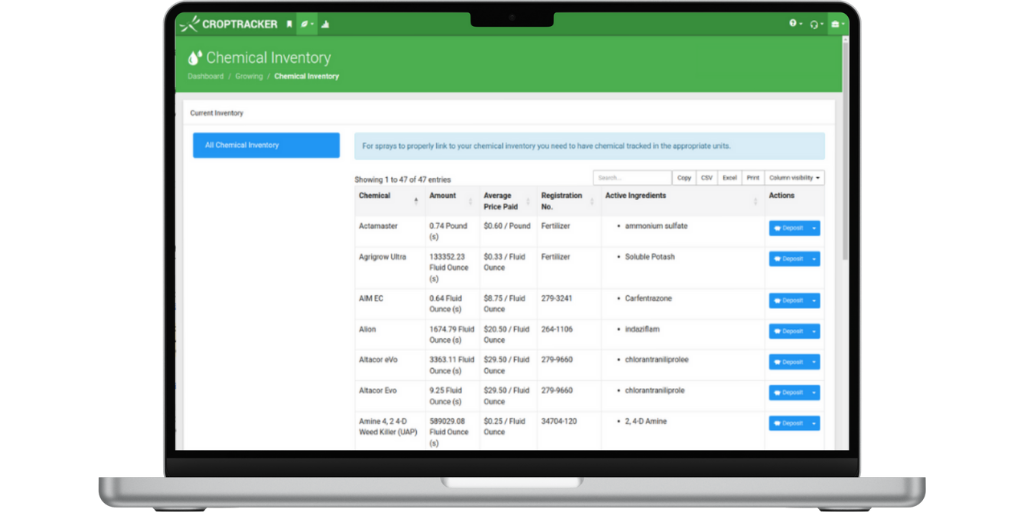
Since fertilizer and pest/disease treatments can represent a significant expense, and can vary greatly by area and variety, ensuring you are tracking the costs of each application is vital for making money saving spray decisions. Adding the inputs you use with costs information and the correct spraying unit in Croptracker’s chemical inventory screen will ensure the spray costing reports are calculated accurately.
Water permit source
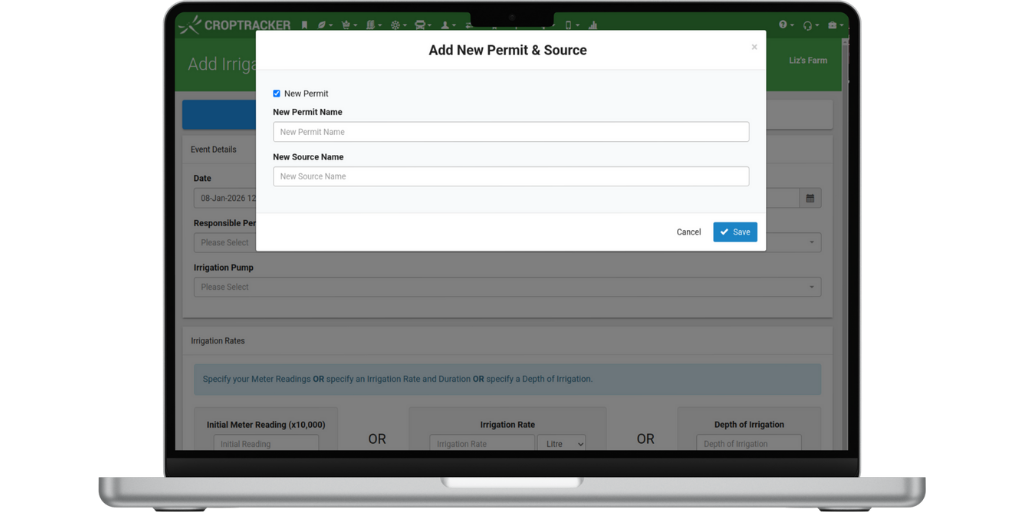
Lastly, to track water use using Croptracker’s Irrigation module, users need to set up their water sources and, if applicable, add their permit details. This step can be done when adding an irrigation event with a few clicks.
Costing workflows
The workflows below will support tracking the biggest expenses for specialty crop growers, labour, inputs and water.
Labor and equipment cost tracking
Using the Punch Clock / Production Practice modules, users can log the amount of time and productivity of all employees to the location they are working in. There are several default labor tracking options that your onboarding process will identify. All options let users quickly move workers from activities and locations to ensure no labor costs are lost or misattributed.
Labor costs can also be split by activity, so cost mitigation can happen with changes in individual activity productivity adjustments. Additionally, any equipment tied to worklogs will contribute to cost reporting for that location. Equipment run time costs will be calculated using the start and end time of the worklog.
Input and sprayer use cost tracking
When using the Spray module with an active chemical inventory setup, spray costing by block is an automatic and built in process. Sprays are always linked to the lowest level of your field map to ensure safety, and granular cost controls. The run time costs of the sprayer will be combined with the input costs and any labor costs linked to the spray event.
Water use and pump cost tracking
Using the Irrigation module, the exact water use per block will be determined based on the rate and length of irrigation time. One source can be used to irrigate many blocks, and the specific water use totals per block will be determined based on the block size.
Costing reporting
This last section highlights three popular Croptracker reports used for block level cost analysis.
Total Farm Cost Report
The Total Farm Cost Report combines worklog costs, equipment run time costs, and piece rate costs together by each block. In this report, all activities in the given time frame will be grouped to the block, allowing for a quick view of all costs associated with the area. It is a powerful tool for cost comparisons between blocks and within the same block season over season.
Cost of Spray by Block Report
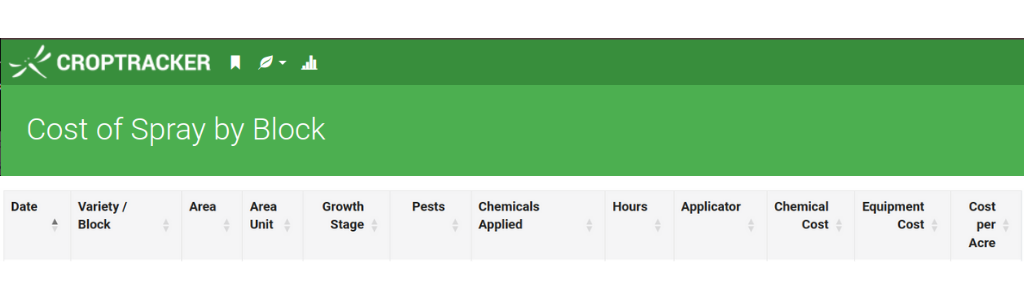
As the name suggests, this report will total the costs associated with sprays in each block. Spray equipment run time and input costs for every spray within the date range will be included in the block cost total.
Irrigation Permit Report
The irrigation reports Croptracker use for costing are a little unique in that they do not include a specific dollar amount. This is due to the variable nature of water utility rates. Unlike labor or input costs, which typically do not fluctuate in a season, water costs can change based on amounts used and peak use pricing. Adjusting the water rate in Croptracker is typically an unnecessary double entry our users do not require. By displaying the total water use by block in a given billing period or season, growers can easily determine the specific water costs in a given block using their utility bill.
As the specialty crop industry moves toward a future defined by precision agriculture and tighter margins, the ability to prove your break-even price is no longer a luxury, it’s a necessity. Utilizing Croptracker to bridge the gap between field activities and managerial accounting ensures that every decision, from replanting a block to adjusting a spray schedule, is backed by evidence rather than intuition. By mastering your block-level metrics now, you aren't just managing costs, you are building a more resilient, transparent, and profitable agribusiness for the generations to come.